Hi Lifeguard . . .
You can upload images directly when you post/reply. You need to use the Full Editor to get to the Attachment Manager.
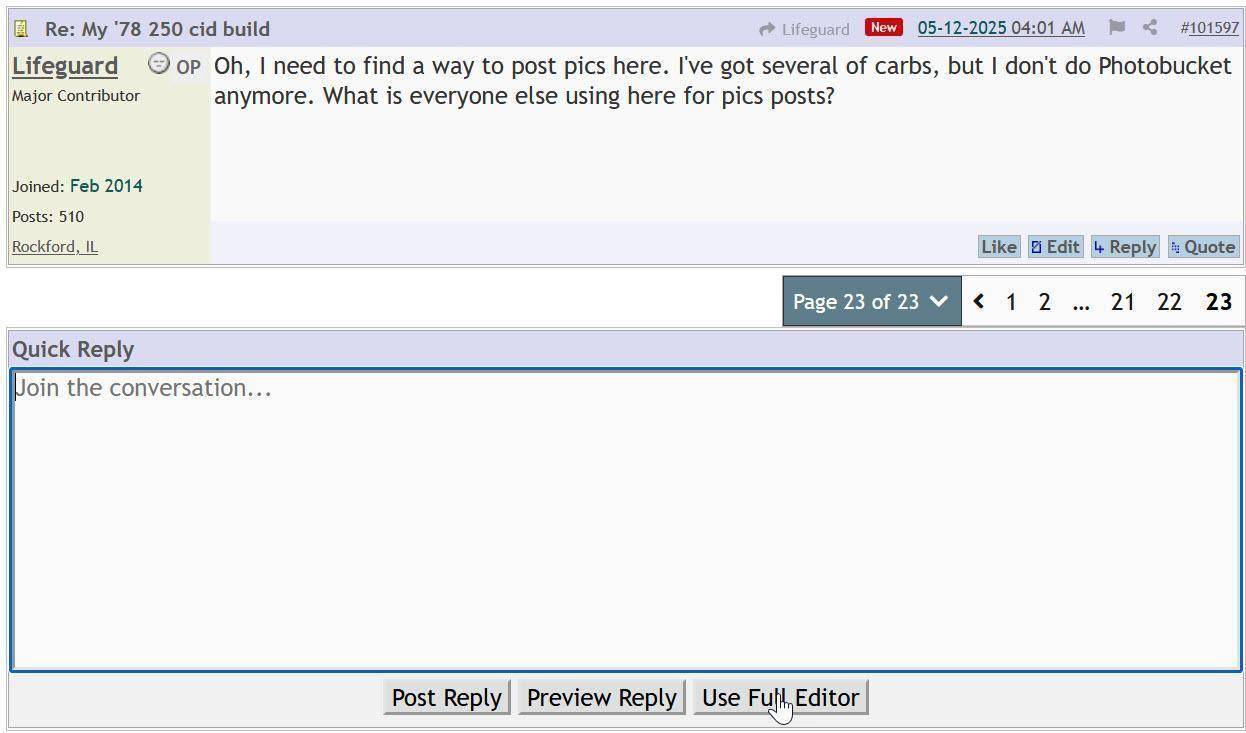
the button is at the bottom right of the reply window.
Next select the Attachment Manager:
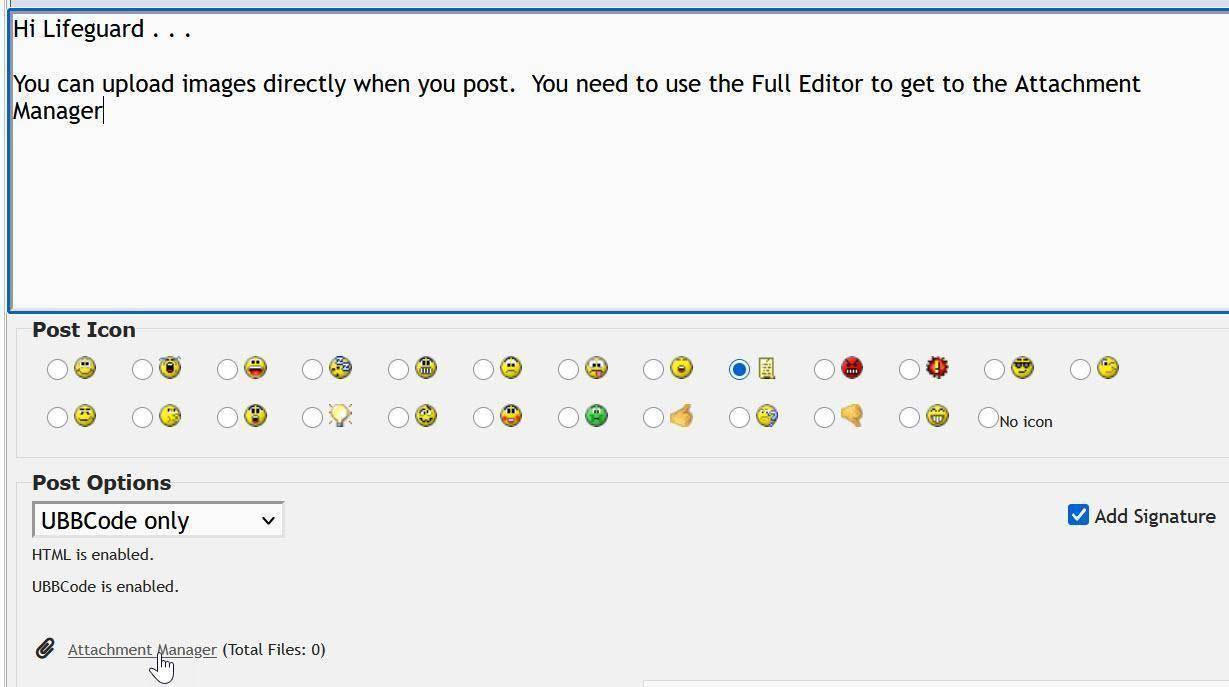
this will result in a popup:

navigate to or drag and drop your photos (one by one) into the popup:
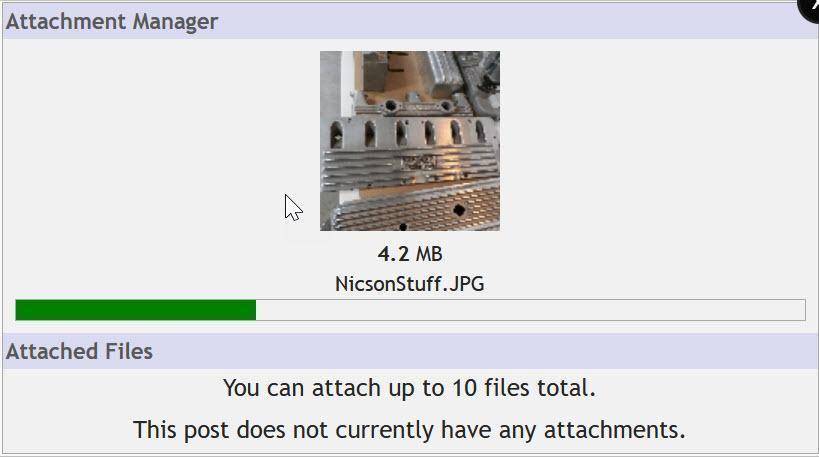
they will be uploaded and then resized for quick rendering.
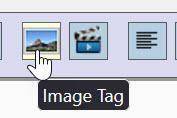
Once the photo is uploaded in the attachment manager hover over the photo and click to embed and image tag into your post:
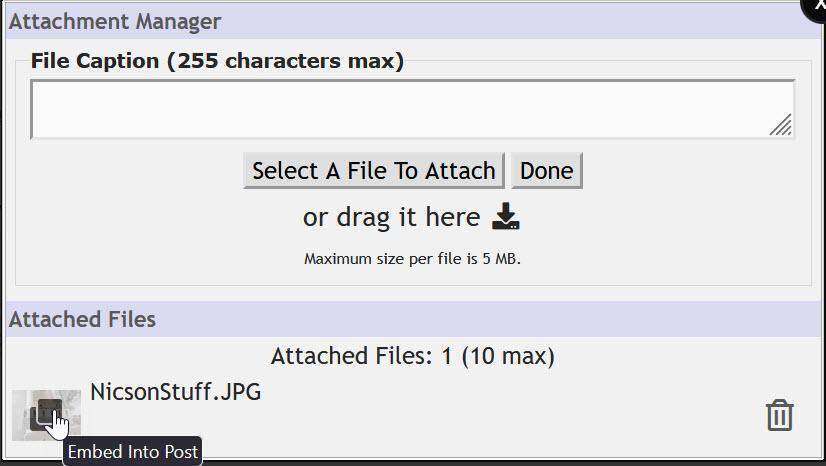
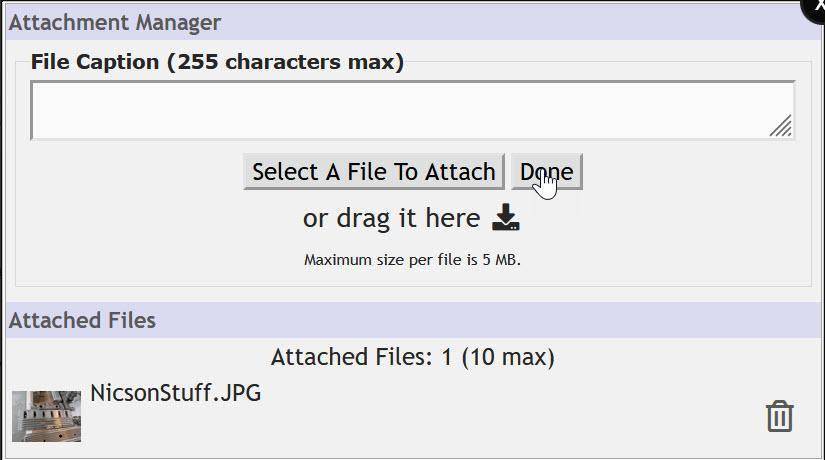
then select Done to close the upload pop up:
This will return you to the full editor with URLs to linked images framed by [image tags]
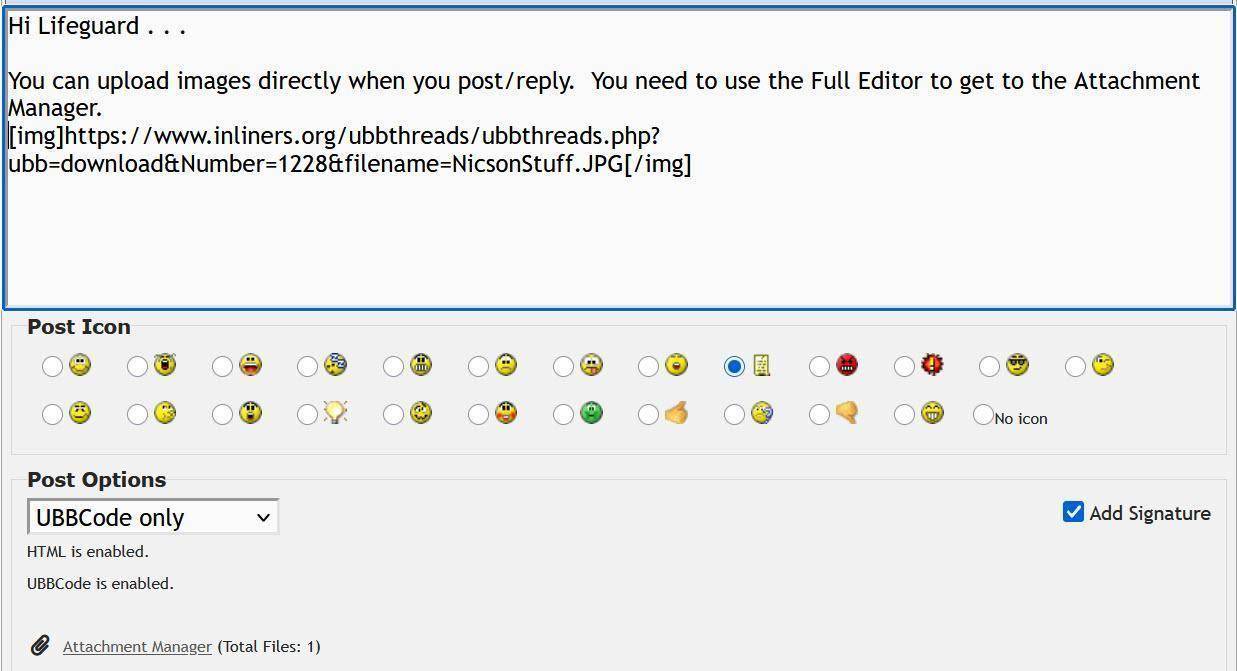
bear in mind that the actual photos will not be shown in the preview until the post actually made:

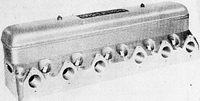
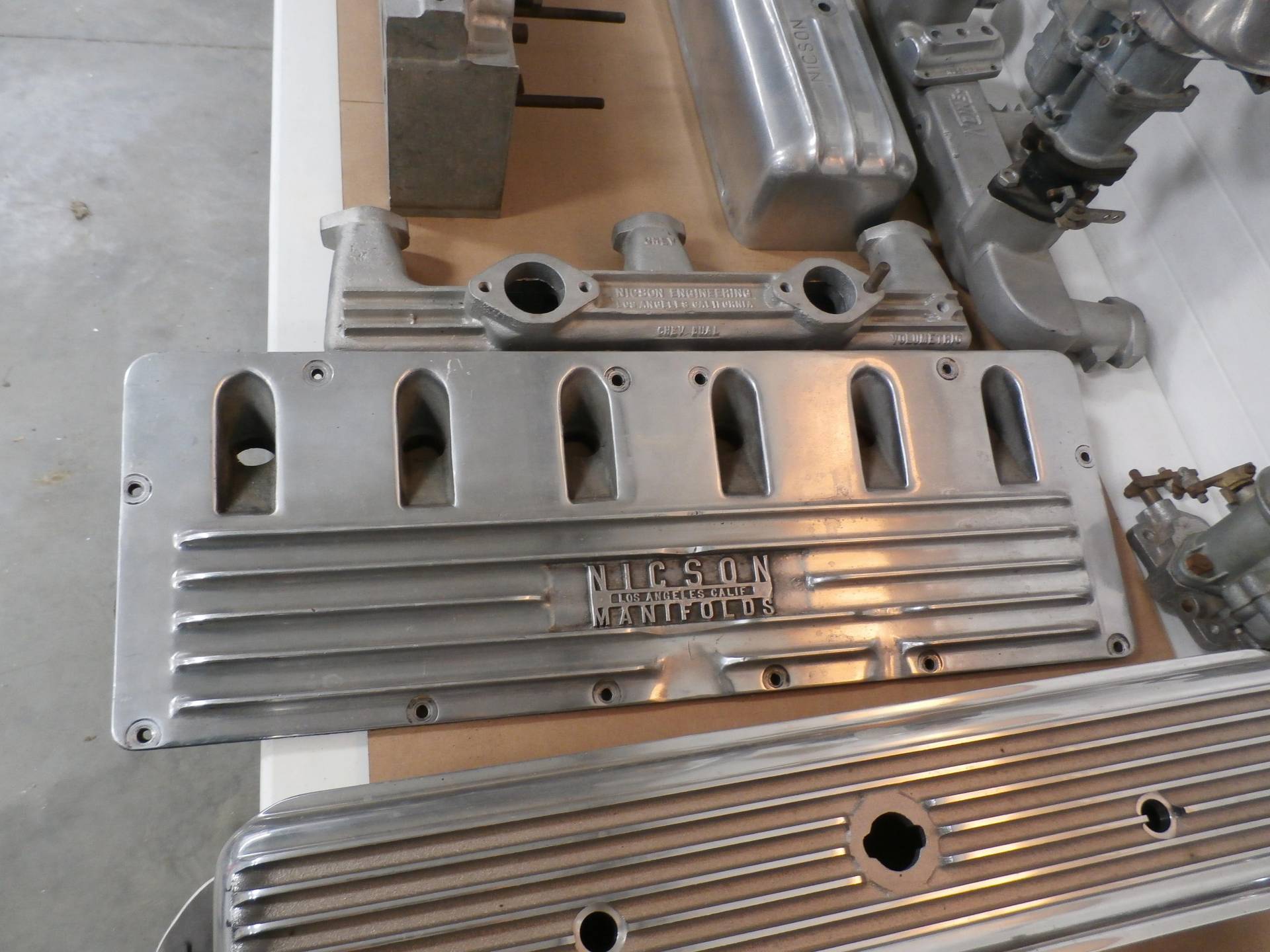
Then the picture of the Nicson goodies appears:
regards,
stock49
PS the screen shots for this post were made using the photo library forum:

interactions with the Image Manager are essentially the same as above except there is no posting in which to embed images. Instead one can copy the links to the photos from the gallery (right click) and link them in postings just like you would from Photobucket.